


5 Most Annoying Things About iOS 27 That iPhone Users Are Complaining About
Apple's iOS 27 update was expected to improve the iPhone experience with bug fixes, new AI features, and a redesigned Siri. However, some users are experiencing problems that make everyday iPhone use frustrating, including unreliable Siri responses, battery drain, iMessage syncing issues, keyboard problems, and bugs affecting Apple's new foldable phone.
While iOS 27 introduces several improvements, these issues suggest that Apple's latest software still needs further refinement. Here are five of the most annoying problems users are encountering with iOS 27.
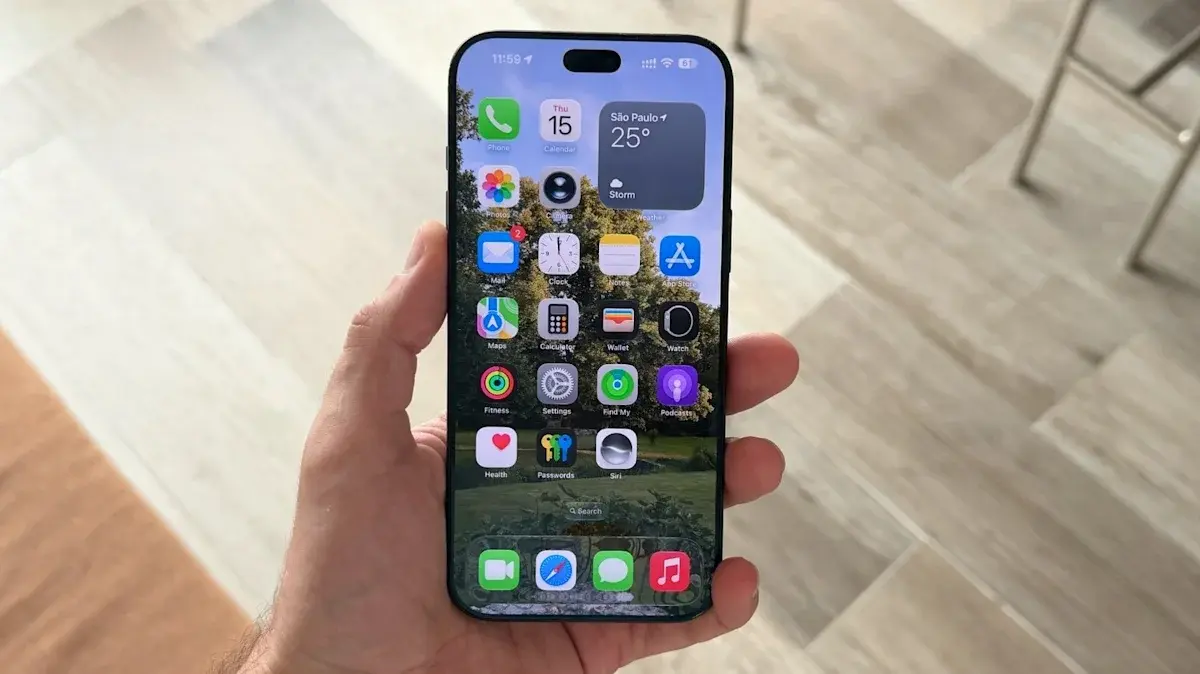
1. Siri AI Still Gives Incorrect Answers and Struggles With Tasks
One of the biggest frustrations with iOS 27 is Apple's upgraded Siri AI. Although the assistant is designed to understand personal information and help users interact with apps, it can still struggle with basic requests.
Some reported problems include:
Giving incorrect answers to questions.
Struggling to locate information in Notes, Messages, and Calendar.
Misinterpreting requests involving personal information.
Providing incorrect details through Visual Intelligence.
Getting stuck while processing requests or becoming temporarily unavailable.
The biggest issue is reliability. Users expect an AI assistant to provide accurate answers or clearly explain when it cannot find the information. When Siri confidently returns incorrect information, it can make users less willing to depend on it.
2. iPhone Indexing Can Cause Battery Drain
Another reported issue involves iPhone indexing, which prepares information stored on the device so features such as search and Siri can access it more efficiently.
While indexing is normal after major software updates, some users report that their iPhones continue indexing repeatedly, even after the initial setup period. This can lead to excessive battery consumption and increased charging time.
The problem becomes particularly frustrating when indexing appears to restart after another software update. Instead of experiencing improved performance, users may notice their battery draining faster than usual for extended periods.
3. iMessage Syncing Problems Are Still Frustrating
iMessage remains one of Apple's important communication services, but syncing issues can make it frustrating for people who use multiple Apple devices.
Users may encounter problems such as:
Messages appearing on one device but not another.
Group chats becoming inconsistent after device changes.
Older conversations failing to load correctly.
Photos taking longer to download.
Contact information or group details not updating properly.
Voice messages disappearing or becoming unavailable.
Because iMessage connects iPhones, iPads, Macs, and Apple Watches, syncing problems can affect the entire messaging experience. Users who depend on conversation history across multiple devices may find these issues particularly annoying.
4. The iOS Keyboard Keeps Forgetting How You Type
The iPhone keyboard is another source of frustration for some iOS 27 users. After installing a major update, the keyboard may appear to lose words, slang, typing habits, and personalized corrections it previously learned.
This can be especially annoying for bilingual users who frequently switch between languages. Automatic correction may replace correctly typed words with incorrect suggestions, making simple messages take longer to write.
Some users may temporarily improve the experience by adjusting autocorrect settings or using separate language keyboards. However, keyboard personalization can take time to adapt again after software updates.
5. iPhone Duo Has Several Software Bugs
The new iPhone Duo has also reportedly experienced software-related problems following its release with iOS 27.1.
Reported complaints include:
Unreliable Apple Watch unlocking.
Overlapping menus and interface elements.
Incorrect guidance about the Touch ID button.
Difficulties reaching certain areas of the display.
An awkward experience with the front-screen keyboard.
Touch ID-related usability problems.
Software bugs are common with newly released devices, particularly when they introduce unfamiliar hardware and interface designs. However, problems can be especially frustrating for people purchasing a premium foldable phone.
Users are hoping future iOS updates will resolve these issues and make the iPhone Duo experience more reliable.
Will Apple Fix These iOS 27 Problems?
Apple may address several of these problems through upcoming software updates. The article mentions iOS 27.3 as a version users are watching for potential fixes, particularly for Siri reliability, indexing behavior, and bugs affecting the iPhone Duo.
However, beta software can introduce its own problems, including compatibility issues and battery drain. Users experiencing serious issues may prefer to wait for a stable public release rather than install beta software simply to test potential fixes.
Is iOS 27 Worth Installing?
iOS 27 brings Apple's new AI capabilities and improvements to the iPhone experience, but the reported bugs can affect everyday usability. Siri reliability, battery consumption, messaging synchronization, keyboard behavior, and foldable-device software issues are areas Apple still needs to improve.
For users who have already installed iOS 27, keeping their devices updated to stable releases may help as Apple addresses bugs. Those considering an upgrade should also check compatibility and be aware that new software versions may not be completely problem-free immediately after launch.

اترك تعليقاً
لن يتم نشر عنوان بريدك الإلكتروني. الحقول المطلوبة مشار إليها بـ *