


Buying an expensive gaming router might seem like an easy way to improve online gaming performance, especially when manufacturers advertise lower ping, faster connections and reduced lag. However, a gaming-focused router cannot automatically solve every internet problem.
While these devices offer useful networking features, they cannot change the physical distance between your home and the game server. This means that even a premium router may deliver almost the same basic ping as an ordinary router when both are connected to a stable internet connection.
Gaming routers can still improve certain aspects of network performance, particularly when several devices are sharing the same internet connection. Features such as Quality of Service (QoS), traffic prioritization and bufferbloat management can help reduce unnecessary delays.
Understanding what these routers actually do can help gamers avoid spending money on upgrades that may not improve their gaming experience.
What Is Ping and Why Does It Matter in Online Gaming?
Ping measures the round-trip time required for data to travel from your device to a game server and back. It is usually measured in milliseconds (ms).
For example, when you press a button in an online multiplayer game, your device sends information to the server. The server processes that information and sends a response.
The time required for this communication contributes to the delay players experience during gameplay.
Lower ping generally means faster communication with the server, which is particularly important in competitive games such as first-person shooters and online multiplayer titles.
Here is a general guide to understanding ping:
| Ping | Gaming experience |
|---|---|
| 0–30 ms | Excellent |
| 30–50 ms | Good |
| 50–100 ms | Noticeable delay in some games |
| 100–150 ms | High latency |
| Above 150 ms | Poor for competitive gaming |
These ranges are general guidelines rather than fixed performance standards. The effect of latency also depends on the game and server location.
Why Gaming Routers Cannot Always Reduce Ping
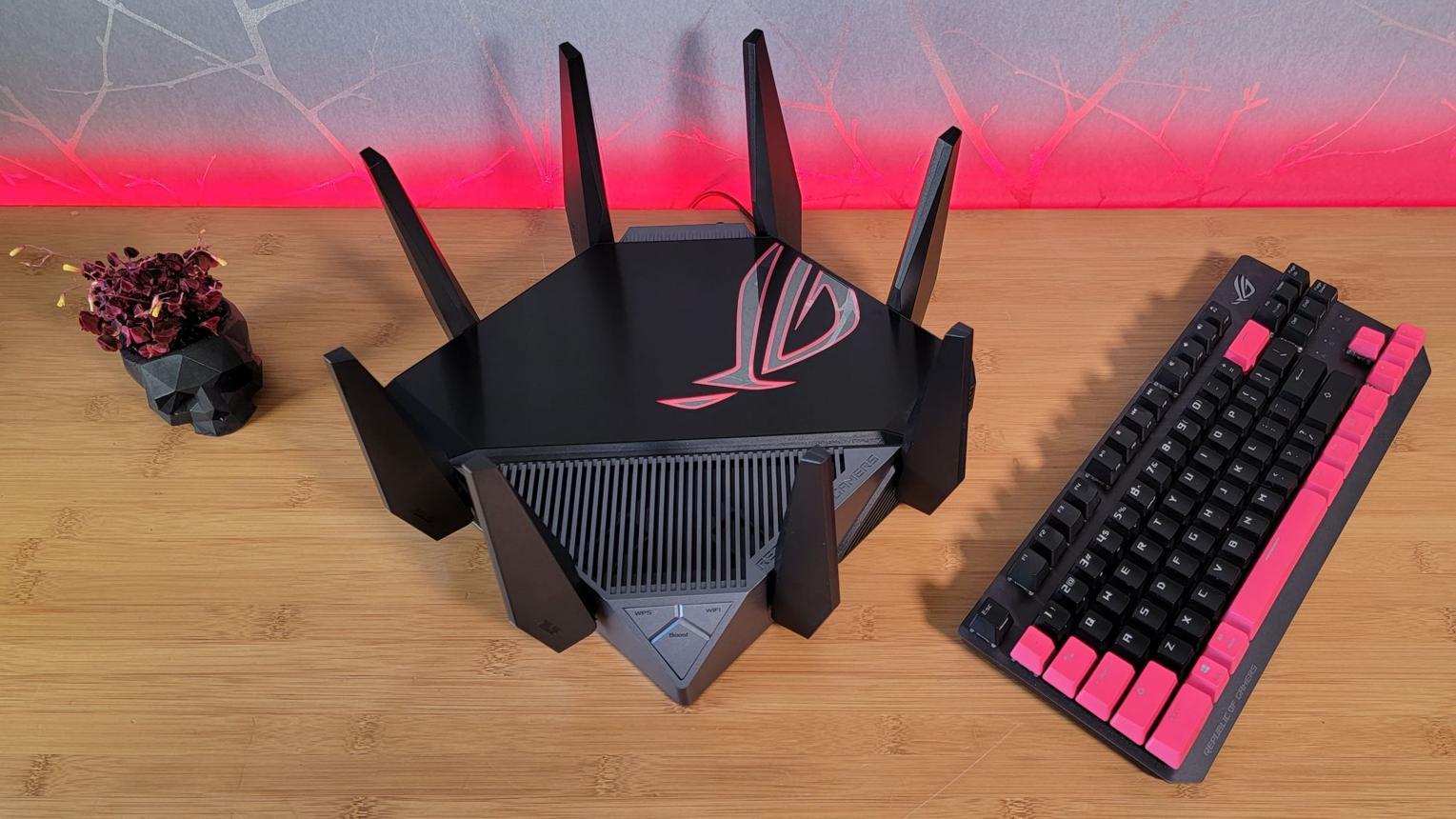
The biggest limitation of gaming routers is that they cannot control every part of your internet connection.
Your ping depends on several factors, including:
Distance between your home and the game server.
Internet service provider (ISP) routing.
Network congestion.
Wi-Fi interference.
Router performance and configuration.
Server response time.
A gaming router can improve communication inside your home network, but it cannot eliminate delays caused by long-distance internet connections or problems outside your home.
For example, if a game server is located in Europe while you are playing from Pakistan, your data must travel a considerable distance. Buying a more expensive router will not remove that physical limitation.
This is why gaming routers should not be treated as guaranteed solutions for high ping.
QoS Can Help When Multiple Devices Share Your Internet
One of the most useful features available on gaming routers is Quality of Service (QoS).
QoS allows a router to prioritize selected network traffic so that important activities receive better treatment when the connection becomes congested.
Imagine playing an online game while someone else in your home downloads a large file or streams high-resolution video. Your internet connection may become overloaded, causing sudden lag spikes.
With properly configured QoS, the router can prioritize gaming traffic over less time-sensitive activities.
Some routers also include Smart Queue Management (SQM), which helps manage network traffic and reduce bufferbloat.
Bufferbloat occurs when excessive data builds up in network queues, creating unnecessary delays.
Testing by RTINGS found that nine out of 11 tested routers improved latency under network congestion when QoS or similar traffic-management features were enabled. However, results varied depending on the router and its implementation.
Ethernet Is Usually Better Than Wi-Fi for Competitive Gaming
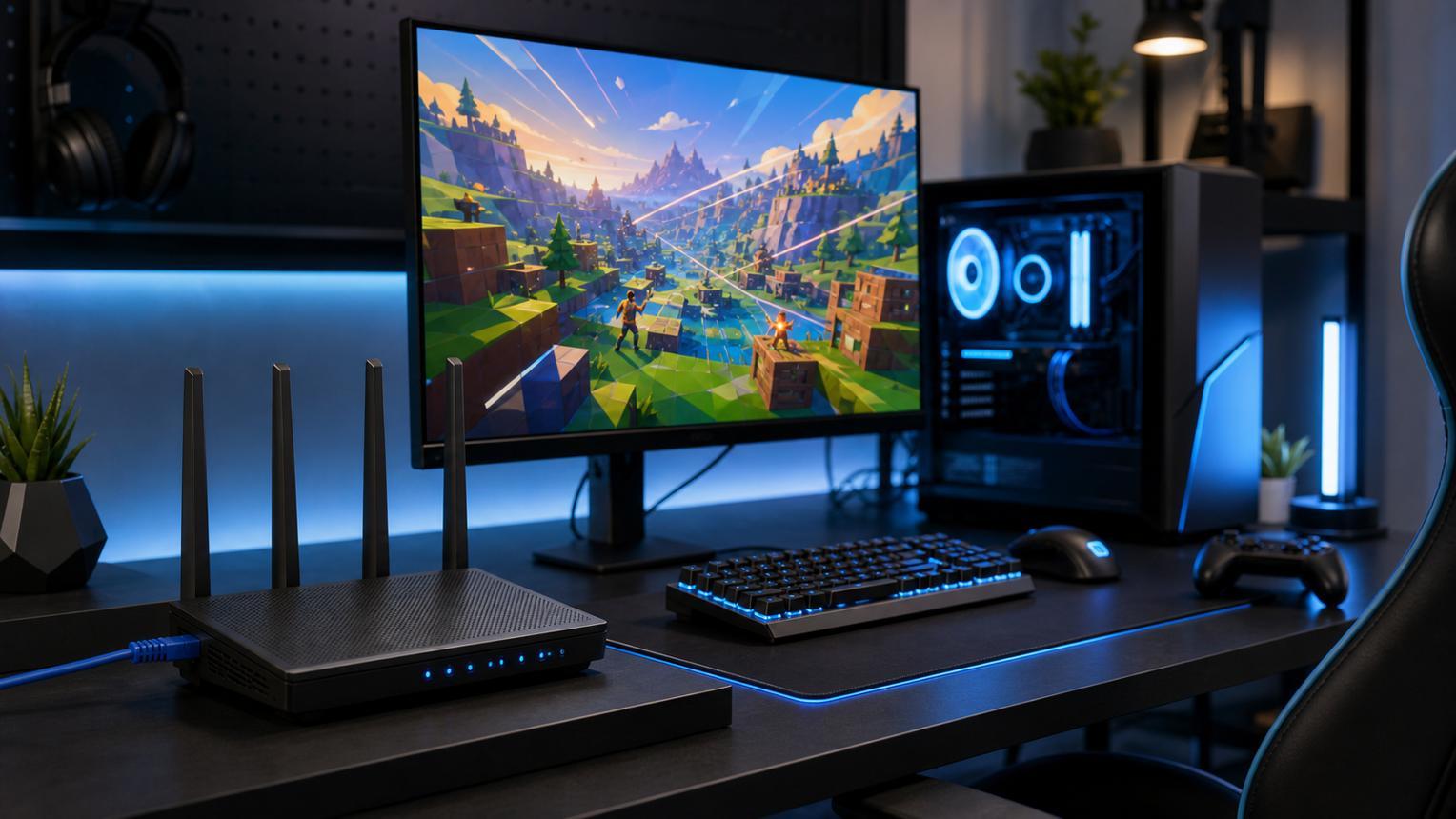
If you want a more stable online gaming connection, using an Ethernet cable is one of the best improvements you can make.
Wi-Fi offers convenience, but wireless connections can experience interference from nearby networks, walls, electronic devices and other connected equipment.
These conditions can introduce additional latency and jitter.
An Ethernet connection avoids much of this wireless interference by providing a direct wired connection between your gaming device and router.
For competitive games where quick reactions matter, a wired connection is generally preferable.
Even a standard router connected through Ethernet can provide a more consistent gaming experience than an expensive gaming router used over an unstable Wi-Fi connection.
Do Gaming Routers Offer Any Real Advantages?
Although gaming routers cannot magically eliminate ping, they are not completely useless.
Depending on your network setup, they can provide several practical advantages.
1. Traffic prioritization
Gaming traffic can receive priority when other household devices are using the internet.
2. Better congestion management
QoS and SQM features can help control excessive network traffic and reduce unnecessary delays.
3. Matchmaking and geo-filtering
Some gaming routers offer geo-filtering tools that allow users to limit matchmaking to selected geographical regions or servers.
4. NAT configuration
Features such as OpenNAT and port forwarding can help resolve certain connectivity problems, particularly when multiplayer games have strict NAT requirements.
5. Better network management
Gaming-focused interfaces may make it easier to monitor connected devices, manage bandwidth and configure gaming-related settings.
These features can be useful, but their effectiveness depends on the router, internet connection and individual gaming requirements.
How to Check Your Ping and Identify Network Problems
Before purchasing a new router, check your existing connection to understand where the problem is coming from.
Many online multiplayer games include built-in network statistics that display ping during gameplay.
You can also use internet speed-testing services to check latency, download speed and upload speed.
Pay attention to three important measurements:
Ping: How long data takes to travel to the server and back.
Jitter: How much your ping changes over time.
Packet loss: The percentage of data packets that fail to reach their destination.
A connection with consistently low ping is generally preferable to one that frequently jumps between low and high values.
If your ping becomes unstable whenever someone downloads files or streams videos, network congestion may be responsible.
5 Ways to Improve Your Gaming Connection Without Buying a New Router
You can try several practical improvements before spending money on expensive networking equipment.
Use an Ethernet cable: Connect your gaming PC or console directly to the router whenever possible.
Stop unnecessary downloads: Pause large downloads and background updates while playing.
Enable QoS or SQM: Use your router's traffic-management features if network congestion is causing lag.
Improve router placement: Keep your router away from obstacles and sources of wireless interference.
Choose a nearby game server: Selecting a geographically closer server can help reduce the distance your data travels.
If your current router is outdated or regularly disconnects devices, upgrading may still make sense. However, a new gaming router should not be your first solution for every high-ping problem.
Final Verdict: Are Gaming Routers Worth Buying?
Gaming routers can improve network management, reduce congestion-related lag and offer useful features for multiplayer gaming. However, their ability to improve actual ping is limited by factors such as server distance, ISP routing and the quality of your internet connection.
For most gamers, using Ethernet, optimizing existing network settings and choosing nearby game servers can provide more meaningful improvements than simply purchasing an expensive gaming router.
Before spending money on a premium model, identify what is causing your connection problems. If your existing router already handles your internet connection properly, upgrading to a gaming-focused model might not deliver the performance improvement you expect.
Leave a comment
Your email address will not be published. Required fields are marked *