

How to Check Ufone Number in Pakistan – Easy Methods
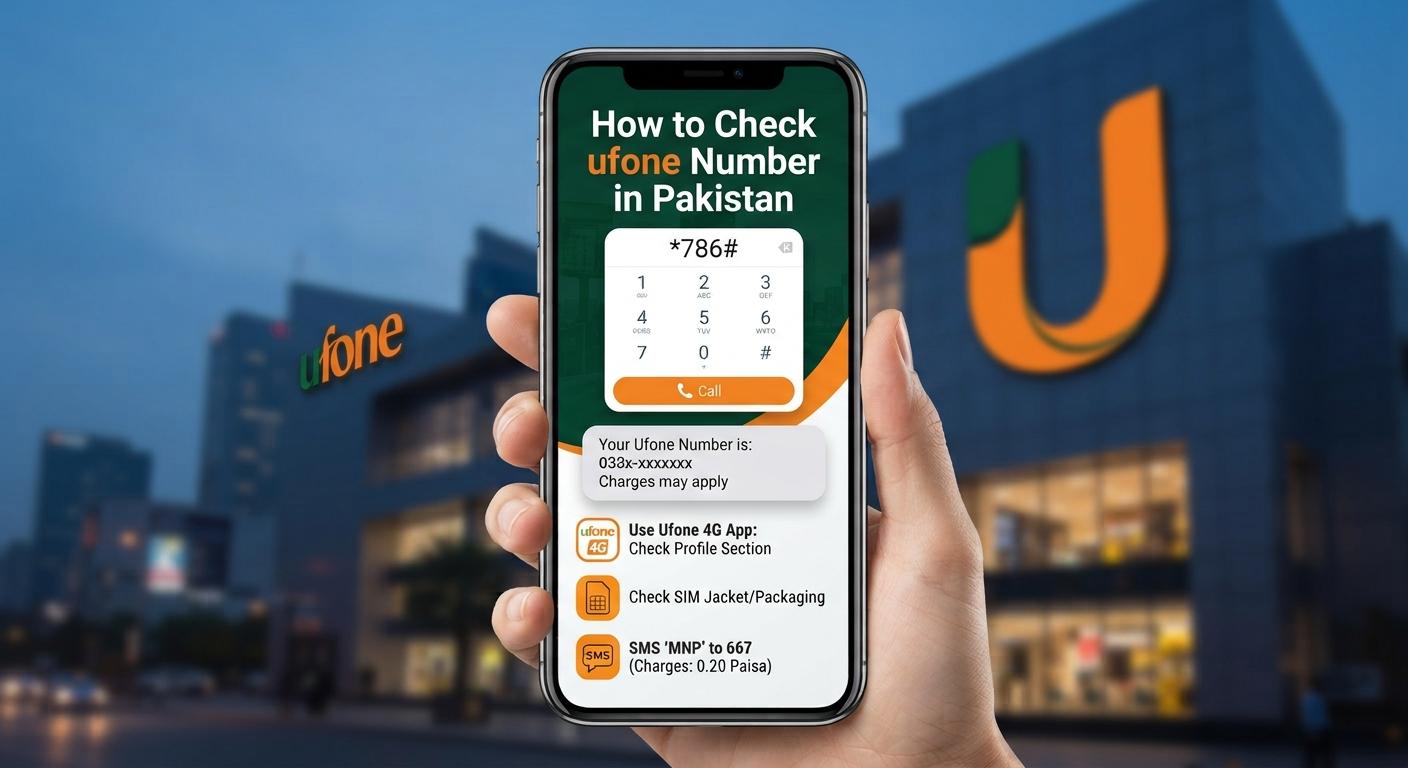
Forgot your Ufone SIM number? Don’t worry. You can quickly check your Ufone number in Pakistan using a simple USSD code. There are also other methods, such as the UPTCL app, calling another phone, and contacting Ufone customer support.
How to Check Ufone Number Using USSD Code
The easiest way to find your Ufone number is by dialing a USSD code.
Method 1: Dial 7803#
- Open the Phone or Dialer app on your mobile.
- Dial *780*3# from your Ufone SIM.
- Press the call button.
- Your Ufone mobile number should appear on the screen.
This method is useful when you have forgotten your number and don't have it saved anywhere.
Check Ufone Number Using the UPTCL App
You can also check your number through the official UPTCL app.
- Open the UPTCL app on your smartphone.
- Log in using your Ufone SIM.
- Go to your account or profile section.
- Your registered Ufone number should be visible there.
The app also provides access to packages, balance information, internet usage, and other Ufone services.
Check Ufone Number by Calling Another Phone
Another simple method is to call a friend or family member.
- Make a call from your Ufone SIM.
- Ask the other person to check the number displayed on their phone.
- Save the number in your contacts for future use.
If your Ufone SIM has no balance, try one of the USSD or app-based methods instead.
Contact Ufone Customer Support
If the above methods don't work, you can contact Ufone customer support. Customer service may ask you to verify your SIM ownership before providing account information.
Frequently Asked Questions
What is the Ufone number check code?
The commonly used Ufone number-check code is *780*3#. Dial it from your Ufone SIM to check your mobile number.
Can I check my Ufone number without balance?
You can try the *780*3# USSD method. If it doesn't work, use the UPTCL app or contact Ufone customer support.
How can I check my Ufone number without calling someone?
Dial *780*3# from your Ufone SIM or check your registered number through the UPTCL app.
What should I do if the Ufone code doesn't work?
USSD codes can change over time. If *780*3# doesn't work, check your number through the UPTCL app or contact Ufone customer support for the latest method.
Conclusion
Checking your Ufone number is easy and takes only a few seconds. The quickest option is to dial *780*3# from your Ufone SIM. You can also use the UPTCL app or call another mobile number to identify your Ufone number.
Laisser un commentaire
Votre adresse e-mail ne sera pas publiée. Les champs obligatoires sont marqués *