

PUBG Mobile Guide: Game Modes, Tips, and How to Download
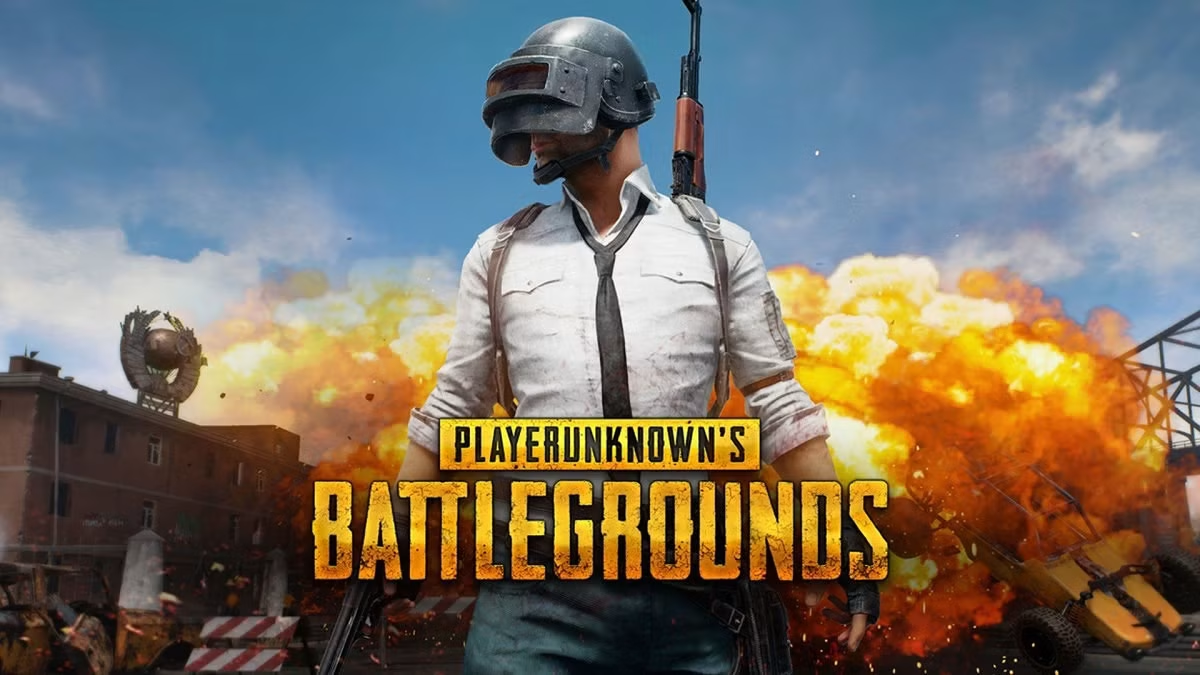
PUBG Mobile is one of the most popular battle royale games on smartphones. Developed by Tencent Games and published by Krafton (with regional publishing differences in some countries), it brings the intense last-player-standing experience of PUBG: Battlegrounds to Android and iOS. Whether you are new to battle royale or a seasoned player, this guide covers the essentials to help you get started and win more matches.
What Is PUBG Mobile?
PUBG Mobile launched in 2018 and quickly grew into a global phenomenon with a massive player base and a thriving esports scene. In each match, around 100 players parachute onto an island, scavenge for weapons and gear, and fight to be the final survivor while a shrinking safe zone forces everyone closer together. The game is free to play and available worldwide, though availability may vary by region.
Main Game Modes in PUBG Mobile
1. Classic Mode
This is the core battle royale experience. You can play Solo, Duo, or Squad on large maps with up to 100 players. Popular maps include Erangel, Miramar, Sanhok, Vikendi, and Livik, each with a different size, terrain, and pace.
2. Arena Mode (Team Deathmatch)
A fast, respawn-based mode on small maps. It is perfect for warming up, practicing aim, and testing weapons without the risk of early elimination.
3. Ranked Seasons
Climb from Bronze to Conqueror across competitive seasons. Higher tiers reward consistent placement and kills, and each season brings exclusive rewards.
4. Special and Event Modes
PUBG Mobile regularly adds limited-time modes, themed events, and collaborations. Check the in-game events tab to find new content and free rewards.
Tips for Beginners
- Choose your landing spot wisely. Hot drop zones are exciting but risky. Land in quieter areas to gear up safely.
- Use headphones. Footsteps, gunshots, and vehicle sounds reveal enemy positions.
- Set up your controls. Try the 3-finger or 4-finger claw layout for faster movement and aiming.
- Adjust sensitivity. Begin with medium settings and refine them in the training ground.
- Stay inside the safe zone. Always keep track of the circle and move early.
- Loot smart. Prioritize armor, a helmet, healing items, and a reliable primary weapon.
- Play as a team. In Duo and Squad, communicate, share loot, and revive teammates.
- Use cover. Fight from behind rocks, walls, and buildings instead of open ground.
Choosing Weapons and Attachments
The best weapon depends on your style and the situation, and balance updates change the meta over time. A general guide:
- Assault rifles are versatile for medium to long range.
- SMGs shine in close-quarters fights inside buildings.
- Sniper rifles and DMRs reward patience and accuracy at long distance.
- Shotguns are powerful at very close range.
Attachments like scopes, compensators, grips, and extended magazines can greatly improve recoil control and handling.
Does PUBG Mobile Have In-App Purchases?
Yes. The game is free, but it includes the Royale Pass, crates, outfits, weapon skins, and other cosmetic items. These do not give a direct combat advantage, so you can compete fully without spending money.
System Requirements
Requirements change with updates, so check the official store listing for current details. In general:
- Android: a recent Android version with at least 2-4 GB of RAM recommended
- iOS: an iPhone or iPad running a recent iOS version
- Storage: several GB of free space for the game, maps, and updates
- Internet: a stable connection to reduce lag and ping
How to Download PUBG Mobile
- Open the Google Play Store (Android) or App Store (iOS).
- Search for “PUBG MOBILE.”
- Check that the publisher is the official one (Krafton or the official regional publisher).
- Tap Install and wait for the download to complete.
- Open the game, download any additional resource packs, and log in or create an account.
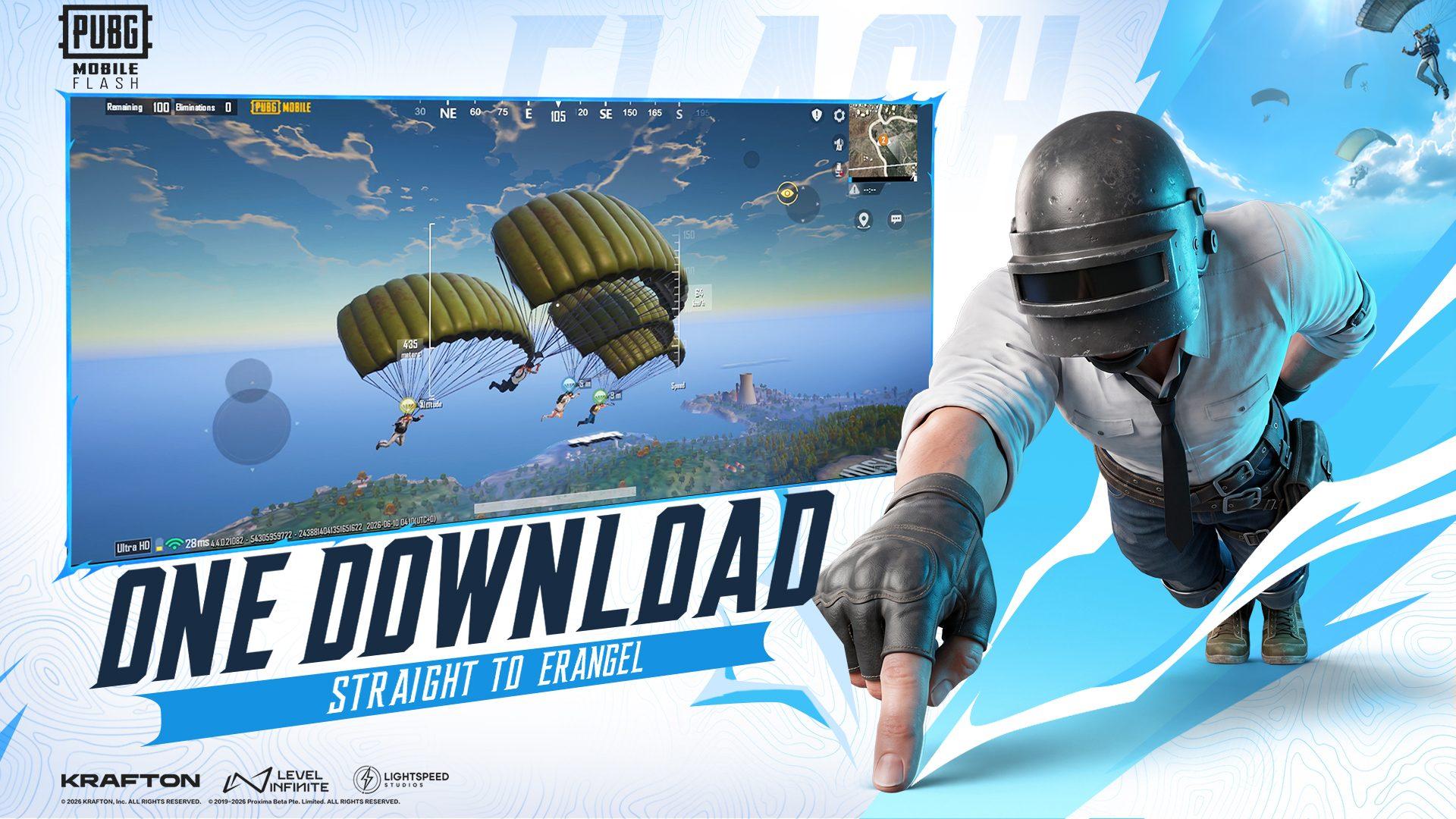
Only download from official stores to avoid fake apps, malware, and account theft.
Frequently Asked Questions
Is PUBG Mobile free?
Yes, it is free to download and play, with optional purchases.
Can I play PUBG Mobile on PC?
The official PC version is a separate game (PUBG: Battlegrounds). Emulators exist, but they may carry account risks, so review the game’s current policies.
What is the difference between PUBG Mobile and PUBG Mobile Lite?
The Lite version was designed for lower-end devices, but availability has changed over time, so check the app store for its current status.
Is PUBG Mobile good for beginners?
Yes. Training grounds, bot-filled lobbies for new players, and a helpful community make it easy to learn.
How much data does PUBG Mobile use?
Matches use a modest amount of data, but updates and resource packs are large, so use Wi-Fi for downloads.
Final Thoughts
PUBG Mobile offers intense, strategic battle royale action on your phone. With varied maps, regular updates, competitive ranked seasons, and a strong esports community, it remains a top pick for mobile gamers. Download it, fine-tune your settings, practice your aim, and squad up with friends to chase that winner winner chicken dinner.
Tinggalkan komentar
Alamat email Anda tidak akan dipublikasikan. Kolom yang wajib diisi ditandai *