

E-Tachi B105 Lite MT6261 Official Flash File | Deadboot Fix & Hang on Logo (100% Tested Paid File)
Looking for a clean, verified, and 100% hardware-tested flash file to repair your E-Tachi B105 Lite (MT6261) feature phone?
Gadgets presents the official MediaTek MT6261 firmware dump, specifically read and verified on live hardware to fix deadboot issues, hang on logo, white LCD screens, auto-reboot loops, and contact service software bugs.
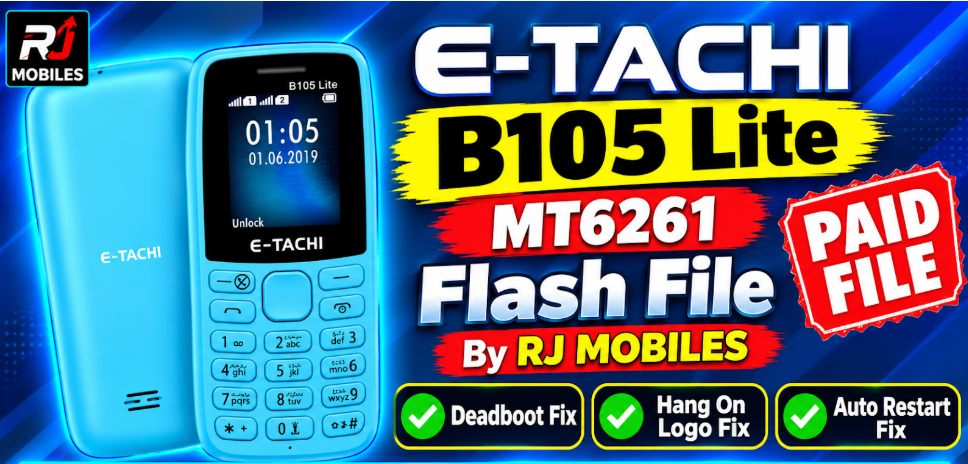
File Information
Device Model: E-Tachi B105 Lite
CPU / Chipset: MediaTek MT6261
File Type: Clean Read Dump (
.bin/ CM2 / Miracle Box / NCK Format)File Status: Paid / 100% Hardware Tested
Supported Tools: CM2MTK, Miracle Box, NCK Dongle, Volcano, Infinity Box
Provider: RJ MOBILES
Key Issues Fixed By This File
Deadboot Recovery: Restores completely dead handsets caused by corrupted internal software or incorrect flashing.
Hang on Logo / Bootloop: Clears startup freeze issues on the bootup logo screen.
White Screen / Blank LCD: Resolves screen display corruption caused by corrupted firmware partitions.
Auto Restart Fix: Stops continuous reboot loops upon powering on the device.
Contact Service / Security Fix: Restores corrupted system code back to factory condition.
📌 Important Note
- ✔️ 100% Tested Paid File by RJ MOBILES
- ✔️ Best for Dead / Hard Bricked Devices
- ✔️ Must Match Exact Device Model
- ❌ Wrong flashing may damage device permanently

Leave a comment
Your email address will not be published. Required fields are marked *