


How to Check Jazz Number in Pakistan – Easy Methods
Forgot your Jazz SIM number? Don’t worry. Jazz users in Pakistan can check their own mobile number using simple methods without needing to visit a franchise or customer service center.
In this guide, we explain the easiest ways to check your Jazz number, including USSD codes and alternative methods.
How to Check Jazz Number Using USSD Code
The quickest way to find your Jazz SIM number is by using a USSD code.
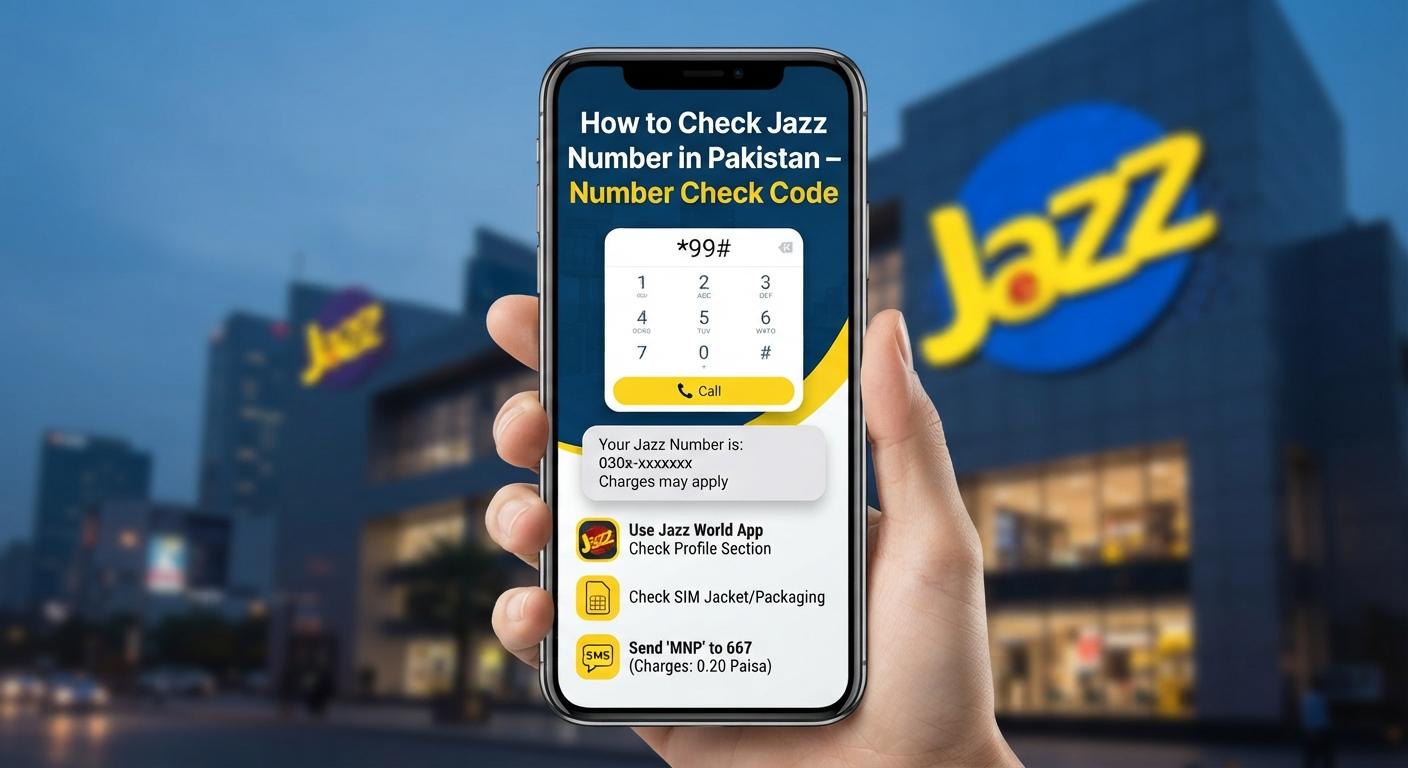
Method 1: Dial *99#
- Open the Phone/Dialer app on your mobile phone.
- Dial *99# from your Jazz SIM.
- Press the call button.
- Your Jazz mobile number should appear on the screen.
This is one of the easiest methods if you have forgotten your Jazz number.
Check Jazz Number Through SMS
You can also try checking your SIM information through Jazz's official customer support channels. USSD codes and SMS services can change over time, so if a particular code doesn't work, use the Jazz app or customer support option below.
Check Your Number Using the Jazz World App
Another convenient option is the official Jazz app.
- Install/open the Jazz World app.
- Log in using your Jazz SIM.
- Your registered mobile number should be displayed within your account information.
The app can also provide access to packages, account balance, usage information, and other Jazz services.
Call Another Mobile Number
If you have another phone nearby, there is a very simple solution:
- Call or give a missed call to a family member or friend.
- Your Jazz number will appear on their phone screen, provided caller ID is available.
This method is particularly useful if USSD services are temporarily unavailable.
Contact Jazz Customer Support
If none of the above methods work, you can contact Jazz customer support for assistance. Keep your SIM and identification information available because you may be asked to verify ownership of the number.
Frequently Asked Questions
What is the Jazz number check code?
The commonly used Jazz number-check USSD code is *99#. Dial it from your Jazz SIM to check your mobile number.
Can I check my Jazz number without balance?
The *99# method is generally intended as a USSD account service and does not require making a paid call. However, availability can depend on the current Jazz service configuration.
How can I check my Jazz number without calling?
You can try *99# or check your number through the official Jazz app.
What should I do if *99# doesn't work?
If the code doesn't work, try the Jazz app, call another phone to identify your number, or contact Jazz customer support.
Conclusion
Checking your Jazz number is easy and usually takes only a few seconds. The quickest method is to dial *99# from your Jazz SIM. If that doesn't work, you can use the Jazz app, call another mobile number, or contact Jazz customer support.
Related: You can also check your Jazz balance, internet packages, SMS packages, and remaining MBs using the relevant Jazz codes.
Leave a comment
Your email address will not be published. Required fields are marked *