


How to Check SCOM Number in Pakistan – Easy Methods
Forgot your SCOM SIM number? Don't worry. You can check your SCOM mobile number using a simple USSD code or other easy methods.
SCOM (Special Communications Organization) provides mobile services mainly in Azad Jammu & Kashmir (AJK) and Gilgit-Baltistan (GB).
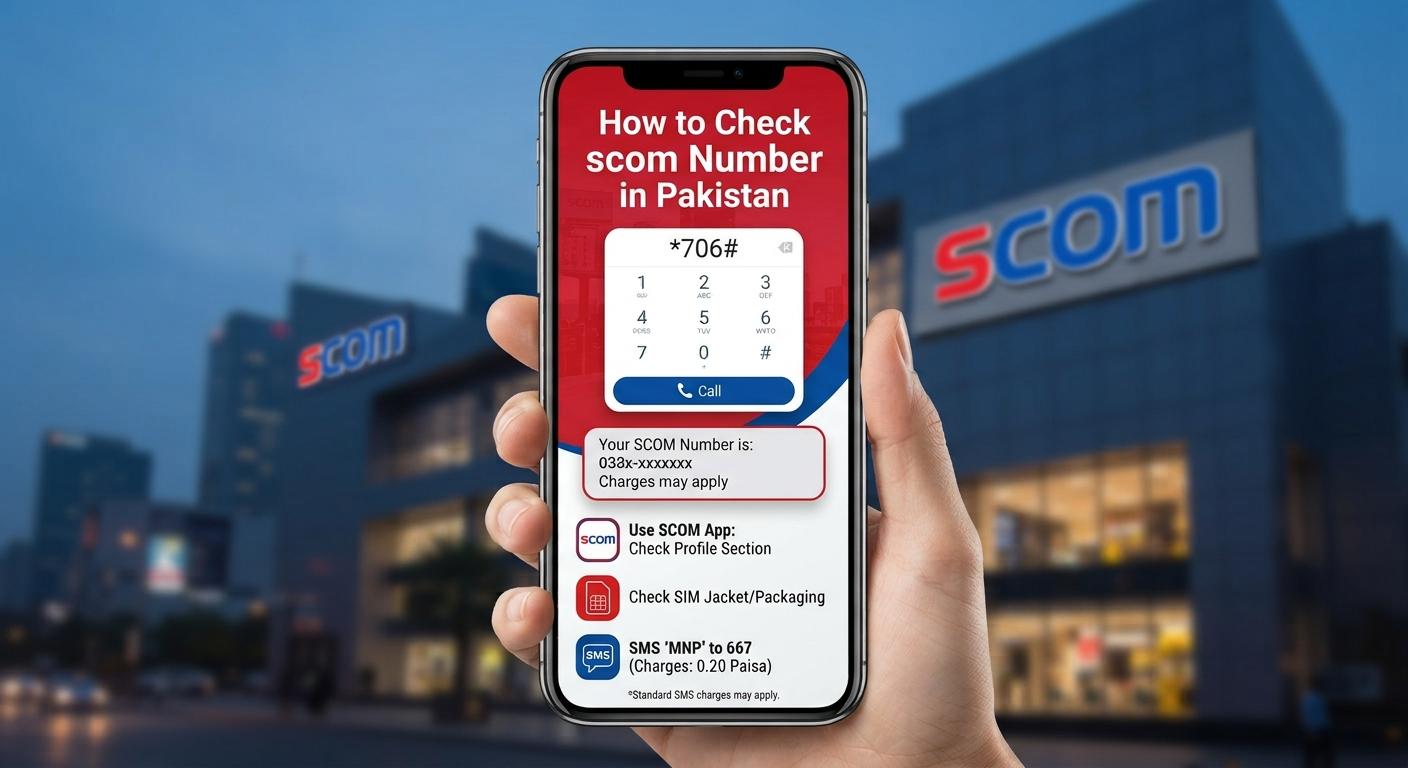
How to Check SCOM Number Using USSD Code
The easiest way to check your SCOM number is to use the SCOM number-checking USSD code.
Method 1: Dial *999#
- Open the Phone/Dialer app.
- Dial *999# from your SCOM SIM.
- Press the call button.
- Your SCOM mobile number should appear on the screen.
This is a quick way to find your number if you have forgotten it.
Check SCOM Number by Calling Another Phone
You can also find your SCOM number by calling another mobile phone.
- Insert your SCOM SIM into your phone.
- Call a friend or family member.
- Ask them to check the number displayed on their phone.
- Save the number in your contacts.
This method is useful if the USSD code isn't working.
Check Your SCOM SIM Packaging
If you still have your original SCOM SIM card packaging, check the information printed on it. Your mobile number may be listed along with other SIM details.
Contact SCOM Customer Support
If you cannot check your number using the methods above, contact SCOM customer support. You may be asked to provide information to verify your SIM ownership.
Frequently Asked Questions
What is the SCOM number check code?
The commonly used SCOM number-check code is *999#. Dial it from your SCOM SIM to check your mobile number.
Can I check my SCOM number without balance?
You can try the *999# USSD method because it does not require making a normal phone call. However, USSD services can change, so use SCOM customer support if the code doesn't work.
How can I check my SCOM number without calling someone?
Dial *999# from your SCOM SIM. Your number should be displayed on the screen if the service is available.
What should I do if *999# doesn't work?
If the code doesn't work, try calling another phone to identify your number or contact SCOM customer support for assistance.
Conclusion
Checking your SCOM number is quick and easy. The first method to try is dialing *999# from your SCOM SIM. You can also call another phone, check your SIM packaging, or contact SCOM customer support.
Leave a comment
Your email address will not be published. Required fields are marked *