


Why Does Your iPhone Keep Randomly Turning Off? 5 Common Reasons and Fixes
An iPhone that randomly shuts down can be frustrating, especially when you rely on it for calls, messages, navigation, and everyday tasks. Unexpected shutdowns are not always signs of a serious hardware failure. They can happen because of software bugs, overheating, an aging battery, or problems with internal components.
According to the source article published by Engadget on November 21, 2026, temperature problems and battery degradation are among the potential reasons behind unexpected iPhone shutdowns.
Here are the common reasons your iPhone keeps turning off and what you can do to fix the problem.
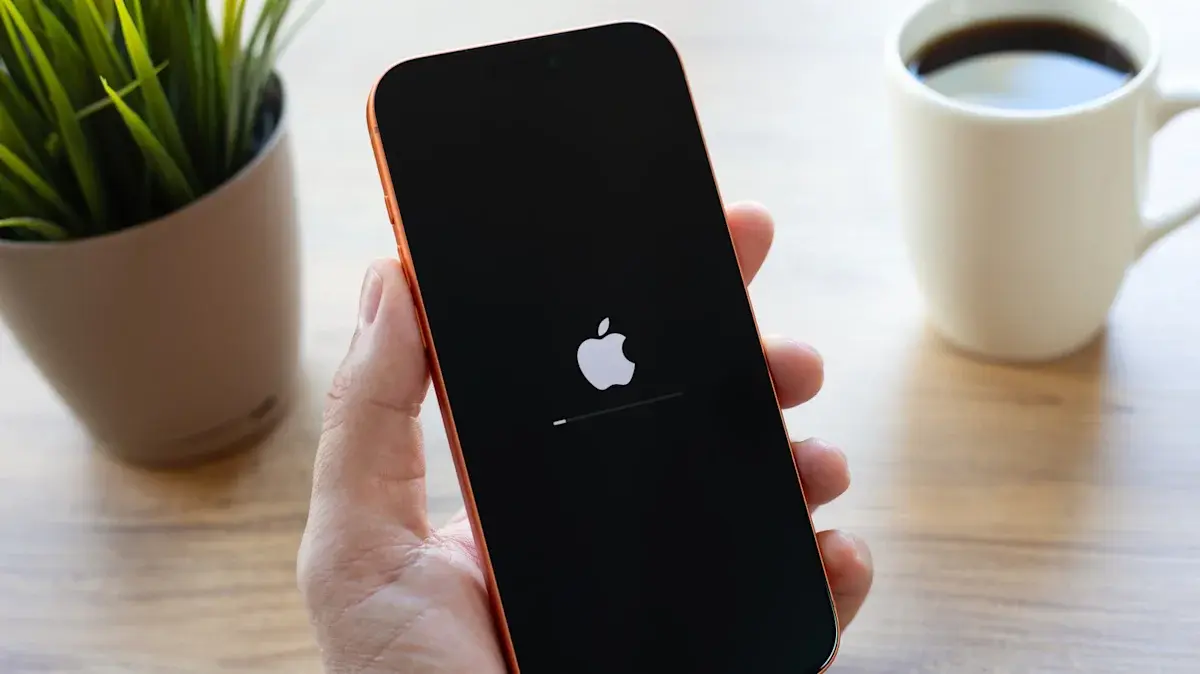
1. Software Bugs and iOS Errors
iOS manages multiple background processes, applications, and hardware components. Sometimes, software bugs or memory-related errors can cause the operating system to crash and restart unexpectedly.
An outdated iOS version or an application experiencing compatibility problems may also contribute to instability.
How to fix it:
Open Settings and select General.
Tap Software Update to check for available updates.
Update applications through the App Store.
Restart your iPhone if it becomes unresponsive.
Remove recently installed applications if shutdowns started after installing them.
2. Your iPhone Is Overheating
Excessive heat is another reason an iPhone may shut down unexpectedly. Apple includes temperature protection features that help prevent damage to internal components.
Intensive gaming, extended video recording, GPS navigation, wireless charging, and direct sunlight can increase device temperature. When internal temperatures become too high, the iPhone may reduce performance or temporarily shut down.
How to fix it:
Keep your iPhone away from direct sunlight.
Avoid demanding games when the device becomes unusually hot.
Remove it from hot environments, including parked cars.
Stop charging temporarily if the phone becomes excessively warm.
Allow the device to cool naturally before using it again.
3. An Aging or Damaged Battery
Battery degradation is one of the most common reasons older iPhones experience unexpected shutdowns.
Lithium-ion batteries gradually lose their ability to hold and deliver power. As battery health declines, the device may struggle to supply enough power during demanding activities.
Apple explains that unexpected shutdowns are more likely when a battery has a low charge level, increased chemical age, or reduced ability to deliver peak power.
How to fix it:
Open Settings and select Battery.
Tap Battery Health.
Check Maximum Capacity and any service recommendations.
Avoid regularly allowing the battery to reach 0%.
Consider professional battery replacement if its condition has significantly deteriorated.
4. Extremely Low iPhone Storage
Running out of available storage can affect your iPhone's performance and cause certain applications or system processes to behave unexpectedly.
Although low storage is not necessarily a direct cause of random shutdowns, keeping sufficient free space can help avoid performance-related problems.
How to fix it:
Open Settings and select General.
Tap iPhone Storage.
Remove unnecessary applications.
Delete unwanted downloads and large files.
Move important photos and videos to a secure backup location.
5. Internal Hardware Problems
If your iPhone continues shutting down despite software updates and battery checks, an internal hardware problem could be responsible.
Damaged components, faulty sensors, power-management issues, or problems caused by accidental drops and liquid exposure may trigger unexpected restarts.
Some iPhones also perform internal system checks, and hardware-related failures can cause the device to restart as a protective measure.
How to fix it:
Check whether the problem started after a drop or liquid exposure.
Avoid repeatedly restarting a device that continues shutting down.
Back up important data whenever possible.
Contact Apple Support or an authorized repair provider.
Request a professional hardware inspection.
How to Prevent Your iPhone From Randomly Turning Off
You can reduce the chances of unexpected shutdowns by following a few practical maintenance steps:
Keep iOS updated to the latest compatible version.
Monitor battery health regularly.
Avoid prolonged exposure to extreme temperatures.
Maintain sufficient available storage.
Use reliable charging accessories.
Avoid running demanding applications when the phone is overheating.
Back up important information regularly.
When Should You Contact Apple Support?
If your iPhone repeatedly shuts down without warning, even after updating iOS and checking battery health, professional assistance may be necessary.
Unexpected shutdowns accompanied by excessive heating, battery swelling, physical damage, or charging problems should not be ignored.
A technician can examine the battery, sensors, and internal components to identify the underlying problem.
Final Thoughts
An iPhone that keeps randomly turning off does not necessarily need to be replaced. Software errors, overheating, battery degradation, insufficient storage, and hardware failures can all contribute to unexpected shutdowns.
Start by checking battery health, updating iOS, and making sure your device is operating within a safe temperature range. If the problem continues, professional inspection is the safest way to identify and resolve the issue.

Tinggalkan komentar
Alamat email Anda tidak akan dipublikasikan. Kolom yang wajib diisi ditandai *