


Apple Warns AT&T iPhone 18 Pro Max Users: Affected Devices May Need Replacement
Apple has confirmed a cellular connectivity problem affecting a small number of iPhone 18 Pro Max units connected to AT&T's network in the United States. The issue can cause the phone to lose cellular service, leaving users unable to make calls, send text messages, or use mobile data.
In some cases, affected iPhones reportedly display “SOS” in the status bar instead of connecting to the AT&T network. The problem appears to be limited to the iPhone 18 Pro Max on AT&T, while other iPhone models and carriers have not been identified as being affected.
What Is Happening With the iPhone 18 Pro Max?
According to Apple, the problem affects a small number of iPhone 18 Pro Max devices using AT&T. Affected phones can lose their cellular connection and may become unable to make calls or use mobile data.
The problem is particularly serious because it can also prevent affected devices from making emergency calls, including calls to 911.
AT&T has acknowledged the issue and is working with Apple to help affected customers restore reliable connectivity.
Apple Released iOS 27.0.1 to Prevent the Problem
Apple recommends that all iPhone 18 Pro Max owners install iOS 27.0.1 as soon as possible. Apple has also issued a carrier settings update designed to reduce the possibility of additional devices experiencing the problem.
The carrier update can be installed automatically, but users can also check for it manually by going to:
Settings → General → About
If a carrier settings update is available, the iPhone should display a prompt to install it.
Already Lost Cellular Service? You May Need a Replacement
Unfortunately, Apple's software updates are primarily intended to prevent the issue from affecting additional devices. They may not restore cellular service on an iPhone 18 Pro Max that has already been affected.
Apple says customers whose devices have already lost cellular service should contact Apple Support or AT&T, or visit an Apple Store or AT&T location. Affected phones may require a hardware replacement.
Customers should back up their iPhone before taking it in for service whenever possible.
How to Check If Your iPhone Is Affected
AT&T customers using an iPhone 18 Pro Max should watch for the following symptoms:
- “SOS” appears in the status bar
- No AT&T cellular connection
- Calls cannot be made or received
- SMS messages fail
- Mobile data does not work
- Cellular service works intermittently or extremely slowly
Wi-Fi may continue to work even when the cellular connection has failed.
If your phone is working normally, Apple recommends updating to iOS 27.0.1 and installing the latest carrier settings update.
Is the Qualcomm Modem Responsible?
The exact cause of the problem has not been publicly confirmed.
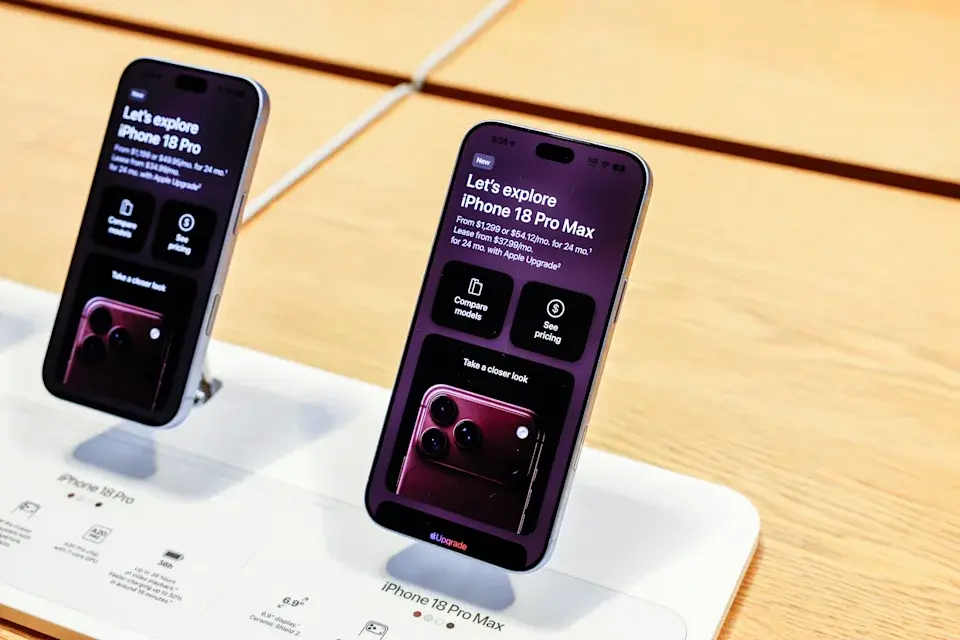
Interestingly, the U.S. version of the iPhone 18 Pro Max uses a Qualcomm cellular modem, while the iPhone 18 Pro uses Apple's C2 modem. The iPhone 18 Pro Max sold outside the United States also uses Apple's C2 modem.
However, there is currently no confirmation that the modem itself is responsible for the AT&T connectivity problem.
Apple and AT&T Are Working on a Solution
For AT&T customers who own an iPhone 18 Pro Max, installing the latest software and carrier update is the most important first step.
If the phone has already lost cellular service and remains stuck in SOS mode, however, a replacement may be necessary. Apple and AT&T are providing support for affected customers while they work to address the issue.
For now, iPhone 18 Pro Max owners on AT&T should check their software version and carrier settings and contact Apple or AT&T if their device has lost cellular connectivity.
Leave a comment
Your email address will not be published. Required fields are marked *