


🔥 Dcode Cygnal 2 Firmware & Unlock Tool Dump File | Deadboot & Hang on Logo Fix (Tested)
If your Dcode Cygnal 2 (Android 12) is completely dead, stuck on the boot logo, or facing software-related restart issues, this tested dump and scatter firmware file is designed to bring the device back to life.
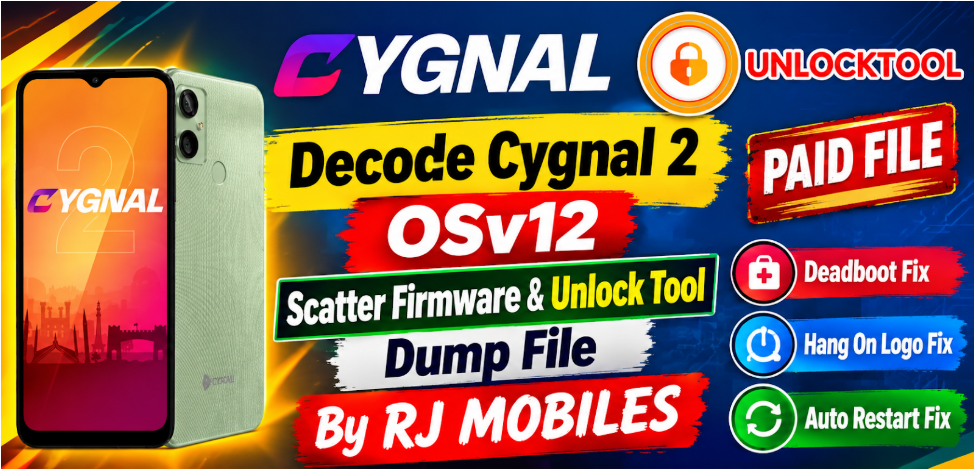
File Highlights & Details
Device Model: Dcode Cygnal 2
Android Version: Android 12 (OSv12)
File Type: Scatter Firmware / Unlock Tool Full Dump
Status: 100% Tested & Verified
Supported Tools: UnlockTool, CM2, Pandora Box, SP Flash Tool
File Category: Premium / Paid File
Issues Resolved
Deadboot Recovery: Revives fully dead or bricked handsets caused by wrong flashing or corrupted software.
Stuck on Logo: Fixes bootloop and hang-on-logo issues completely.
Auto Restart: Resolves continuous reboot issues on the startup screen.
Partition Repair: Restores missing or corrupted system partitions.
How to Flash & Restore
Download and extract the firmware/dump file using WinRAR or 7-Zip.
Open your preferred servicing tool (UnlockTool, CM2, DFT Pro, or Pandora Box).
Select the target chipset/model and load the scatter/dump file.
Connect the phone in BROM / Preloader mode while holding the volume keys.
Click Flash / Write and wait for the process to complete successfully.
Once completed, disconnect the device and perform a hard reset via recovery mode if required.
- ✔️ 100% Tested Paid File by RJ MOBILES
- ✔️ Best for Dead / Hard Bricked Devices
- ✔️ Must Match Exact Device Model
- ❌ Wrong flashing may damage device permanently
Scatter Firmware Download Link 👇👇👇👇

Unlock Tool Dump File Download Link 👇👇👇👇

Leave a comment
Your email address will not be published. Required fields are marked *