

🔥 100% TESTED PAID FILE: Sego Smart 20 OSv16 Official Dump File 🔥
Are you trying to recover a dead, bricked, or stuck-on-logo Sego Smart 20 running Android 16? Restore it cleanly with our fully verified, tested Dump File, extracted directly for professional dead boot repairs and storage chip recovery.
This premium dump file is specially prepared for mobile repair technicians to fix low-level partition damage and hardware/software dead state errors cleanly.
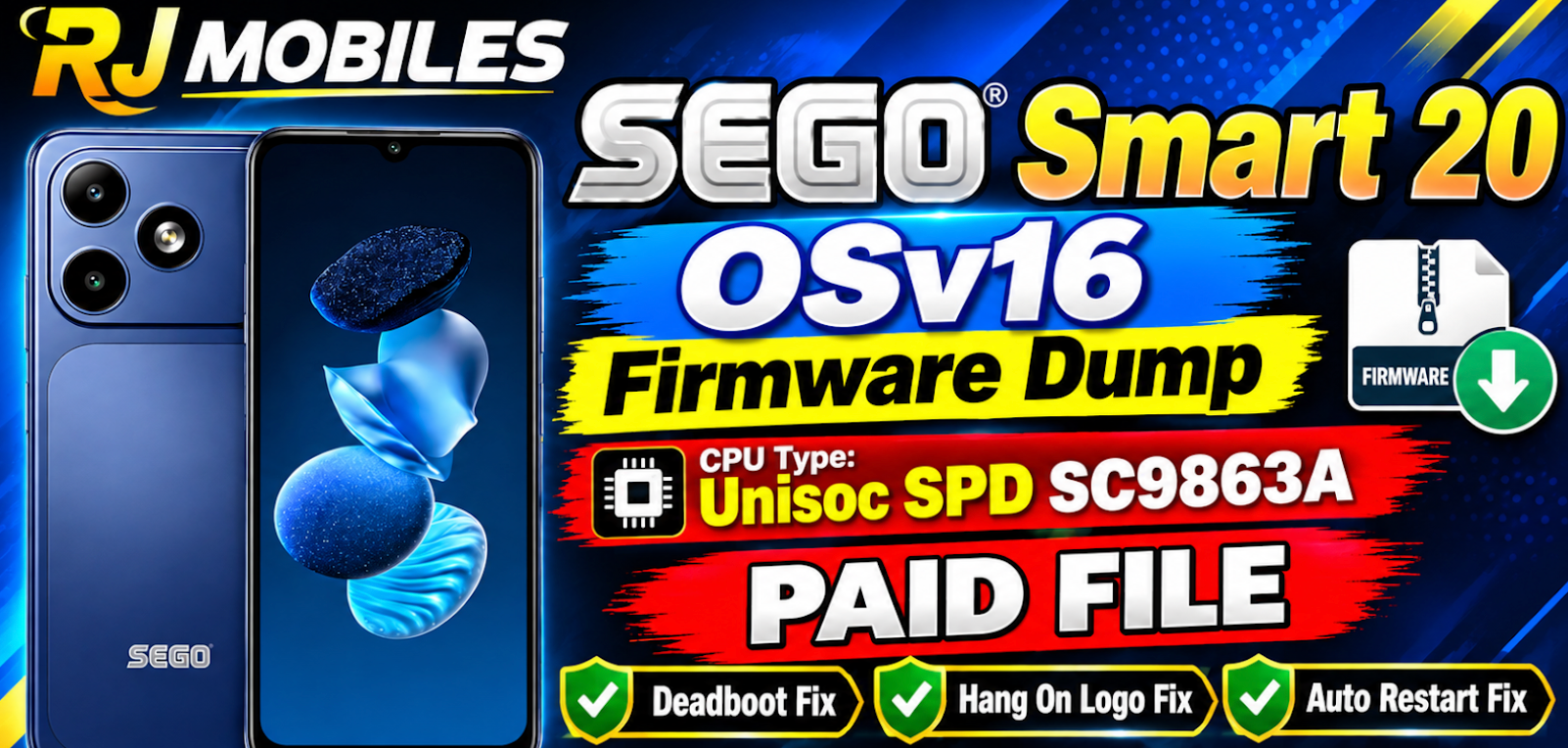
📌 File Details & Specifications:
- Device Model: Sego Smart 20
- Android Version: OS v16 (Android 16)
- File Type: Full Dump File (Boot / Userarea / EXT_CSD Configuration)
- Supported Tools: F64 Box, UFI Box, EasyJTAG Plus, Pandora Box, CM2, or compatible Programmer Tools
- File Status: 100% Tested & Clean (Paid / Premium File)
- Provider: RJ MOBILES
💡 What Issues Does This Dump File Fix?
- ✅ Complete Dead Boot Repair / Dead Recovery
- ✅ Fix Hang-on-Logo & Infinite Bootloop Issues
- ✅ Memory Chip Replacement & Repartitioning (eMMC/UFS Repair)
- ✅ Fix Auto EDL / BROM Loop Errors caused by corrupted partitions
- ✅ Clean Partition Recovery after failed flashing
- ✅ DM-Verity Corruption Fix
- ✅ Fix Can't Load Android System
🔧 Key Features & Highlights:
- Full Dump Safety: Raw partition dump data for accurate storage chip restoration.
- Multi-Box Support: Compatible with major eMMC/UFS box programmers and flashing dongles.
- Verified Backup: Tested on working hardware to guarantee safe recovery.
📌 Important Note
- ✔️ 100% Tested Paid File
- ✔️ Best for Dead / Hard Bricked Devices
- ✔️ Must Match Exact Device Model
- ❌ Wrong flashing may damage device permanently

Leave a comment
Your email address will not be published. Required fields are marked *